
Getting Started with Shield Video | Mailprotector
The "Getting Started with Shield" video by Mailprotector is a brief 3.5-minute onboarding guide that introduces new users to Shield™ email security, demonstrating how to identify security risks with the Heads-Up Display, customize email preferences, train the system by managing junk mail, safely preview risky messages with X-ray, and locate missing emails with Spotlight, all designed to help users quickly and confidently take control of their inbox without needing technical expertise.
- 1.Resources
- 2./
- 3.Getting Started with Shield
Getting Started with Shield
Shield·Video·3.5 min watch
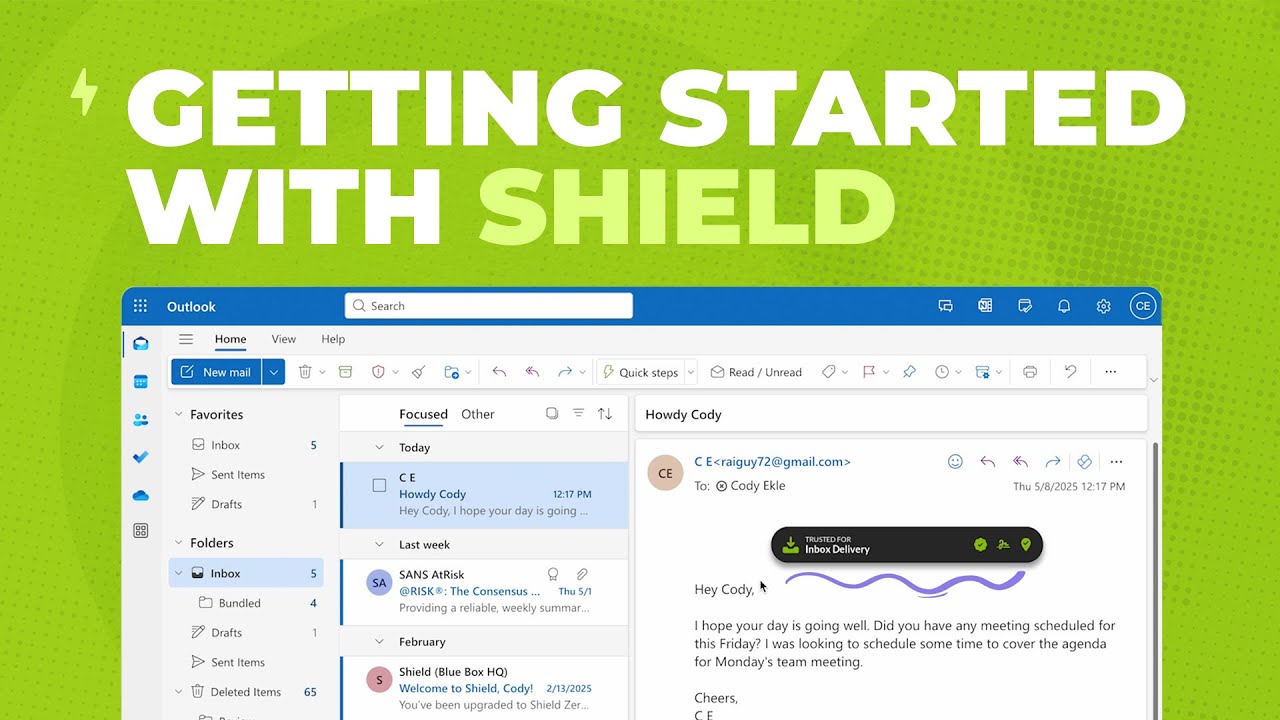
Are you just getting started with Shield™ email security? This quick video walks you through what to expect in your first week and how a few simple actions can help you take control of your inbox.
Shield changes the way you experience email, making it smarter, cleaner, and more secure. But like any smart assistant, it needs a few days to learn your style.
This short onboarding video sets clear expectations and helps you build confidence from day one. In just a few minutes, you’ll learn how to:
- Spot security risks at a glance with the Heads-Up Display (HUD)
- Tell Shield who you want to hear from and who you don’t
- Train Shield by moving messages in and out of your junk folder
- Preview potentially risky messages safely with X-ray
- Quickly find missing emails with Spotlight
It’s everything you need to get the most out of Shield—no technical background required.
Ready to see what email security looks like when it's fixed?
Join thousands of MSPs who protect their clients with Mailprotector.